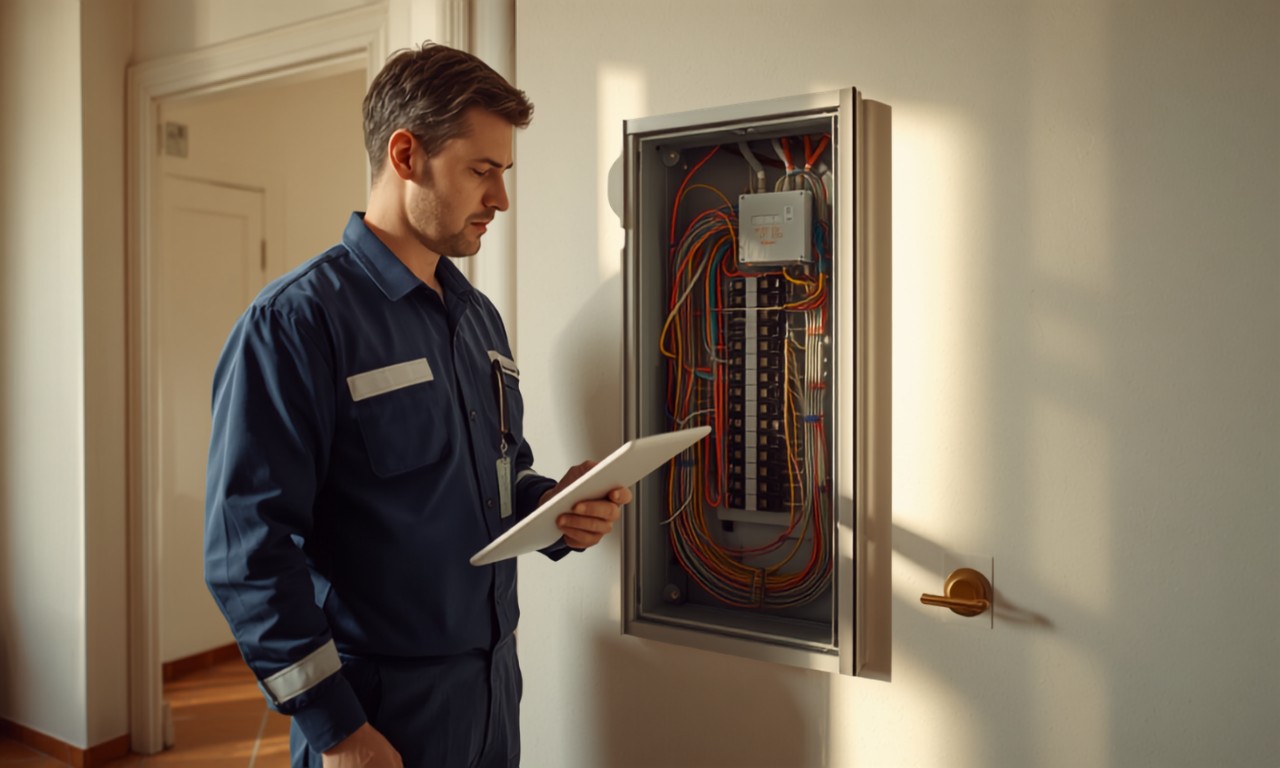
Traditional Management Software or a Job-Site Tool?
Traditional management software is built for the office, but the data of an installation company is born on the job site. A comparison of approaches and what you actually need.
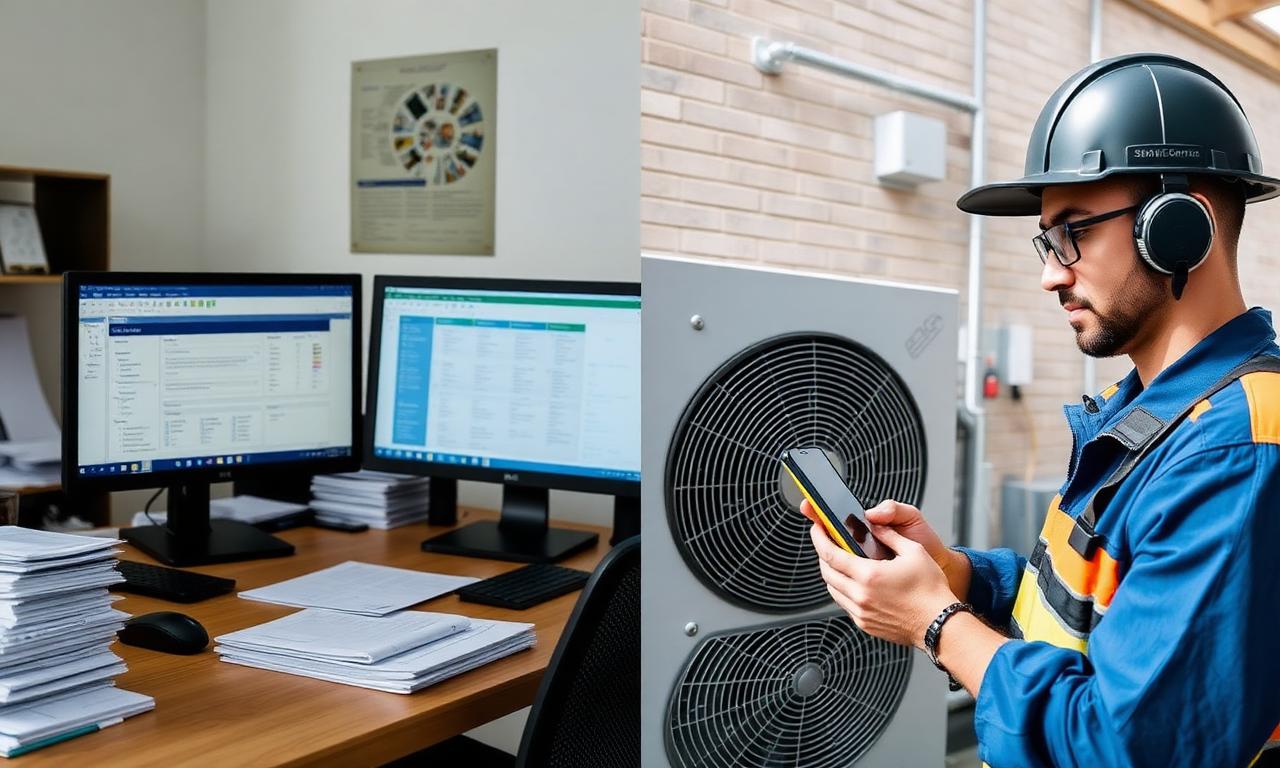
Almost every plumbing, heating or HVAC installation company has the same story to tell: it bought management software, tried it for a few months, and then left it in a drawer. Not because the software was "bad", but because it was built for a different world from the one technicians actually work in. Let's look at where the disconnect lies, and what changes with an approach built around the job site.
Traditional management software is built for the office
ERPs and traditional field-service platforms are powerful tools, but they share a common origin: they were designed to be used sitting at a desk. They work great for invoicing, inventory and accounting, where data is entered calmly in front of a monitor.
Because of this, they tend to share three recurring traits:
- they require manual typing of most information;
- they have a steep learning curve, built for someone who works in the office with them every day;
- they're generic, meaning they don't know the specifics of your trade (F-Gas paperwork, declarations of conformity, regional heating-system registries).
Nothing wrong with any of that. It's simply not where an installation company's work actually begins.
The problem: the data is born on the job site, not in the office
Picture a typical day. The technician is on site, maybe with dirty hands, standing in front of a boiler or a heat pump. That's where all the information lives: brand, model, serial number, type of job, amount of gas, photos of the system.
But that technician has neither the time nor the desire to open a management app and type in twenty fields. So they do what comes naturally: take photos, send a voice message, jot down two lines. And all of that material ends up in the office later, where someone retypes it by hand into the software.
This is the classic double data entry problem: the same data written twice, with the risk of errors at every step. Traditional management software doesn't solve this handoff - in fact, it's often exactly why it gets abandoned: it asks the technician for an effort they can't afford to make on site.
The "job-site" approach: capturing data where it's born
The idea behind Clemp is to flip the starting point. Instead of asking the technician to adapt to the software, the software adapts to how the technician already works: a voice note and a few photos, just as they'd do anyway.
From there, that raw data gets turned into structured information - ready to become the basis of a compliance file or a draft quote - without anyone having to retype it by hand in the office.
The difference isn't "nicer-looking software." It's where and how the data enters the system.
The comparison, point by point
- Where the data is born: management software → in the office, at the computer. Job-site approach → on site, during the job.
- How it's entered: management software → manual field entry. Job-site approach → technician's voice note and photos.
- Effort for the technician: management software → high (often unused). Job-site approach → minimal, they work as they already do.
- Specialization: management software → generic, multi-industry. Job-site approach → vertical, focused on installation and compliance.
- Double data entry: management software → stays on the office's shoulders. Job-site approach → cut off at the source.
- Real field adoption: management software → typically low. Job-site approach → designed to be high.
Replace it, or work alongside it?
Here's the most important point, and also the most honest one: you don't need to throw away your management software. If your back office already runs well on invoicing and inventory, that part keeps working.
Clemp isn't built to replace your ERP, but to fill the gap it leaves uncovered: the handoff between what the technician sees on site and what the office needs. It's the piece that today gets filled in by hand, with hours of re-copying and the risk of mistakes.
In other words: the office keeps the tools it already uses, and the job site stops being a black hole of scattered photos and voice notes.
Clemp is currently being piloted with a number of installation companies in Piedmont, Italy, precisely to understand how it fits into real workflows - even alongside existing management software.
Want to see it on your own workflow?
Free 6-week pilot with your technicians. Reply within 24 hours.